
In this world of ours, where cyber-crime has taken a rise, people should be given a test to determine if they are capable to use a computer. After all, if licenses are given to operate machinery and vehicles, or to prove that a person has undergone training on a certain area, why is it that individuals who have no idea about how to use a computer without risking a network have indiscriminate access to one?
Or even worse, why do those people who couldn't possibly care less about their own cyber-protection (or that of others) feel they have the right use a high-tech system they regard as some sort of an electric kettle and, in so doing, they compromise the safety of the Internet?
They should at least take a test with some easy questions to determine if it is less risky to have those people juggle with flame-throwers than it is having them turn on a computer. You know, like those tests that are published in magazines and newspapers to find out if you are cool, or if you are a nerd, or if one's habits indicate that one will eventually become a social menace.
Negligent computer users should take the test voluntarily in an attempt to assess their risk factor. The questions should be straight forward and, when in doubt, they should simply choose "yes".
I have collected some functional indicators from experiences with people around me:
Risk Level 1: Each affirmative answer = 1 pt.
1. You click on any link that you get by email as long as you recognize the name of the sender.
2. You plug in your USB drive and erase alerts without reading them because they bother you.
3. You can use your computer only because you wrote the steps to find your programs.
4. As soon as you see your computer acting funny, you call your techie friend to fix it for you.
5. Once the techie friend goes away, you generally blame him/her for all subsequent problems that your computer gives you.
Risk level 2: Each affirmative answer = 2 pts.
1. You keep forgetting to close your Facebook or email session.
2. You get an email reading "My girlfriend got your pictures and sent them to your spouse. You are dead meat. See pictures attached". So, you freak out and open the attachment, which happens to be a zip file where the compromising material is.
3. You strongly believe that there wouldn't exist any viruses online if everyone had the same antivirus and they kept it updated.
4. You open every powerpoint presentation that your relatives, friends, or colleagues send you, regardless of the fact that the powerpoint icon looks funny and the file is called "presentation.exe".
5. You download bundled software from the internet and install it to your Windows computer without even reading the different screens.
Risk level 3: Each affirmative answer = 3 pts.
1. You think that remembering passwords is too much trouble. Anyway, that's the job of the "computer people", not yours.
2. You never update the antivirus in your Windows computer because everyone else does. Anyway, that's also the job of the IT guys, not yours.
3. You strongly believe that your computer is OK as long as the system starts. All computers act funny, so it's not strange that yours also misbehaves from time to time.
4. You cannot run a specific program because a "moron" deleted the icon on the desktop.
5. You argue with people who do not support SOPA and PIPA, whom you call pirates. Then you go home and download a movie using this great Bitcomet thing that your teenage daughter/son installed to the home computer.
RESULTS:From 1-5 points: You are like a drunk driver roaming cyber-roads. Your license should be suspended until you learn a bit about how not to be a danger for others and yourself online.
From 6-12 points: You might not know, but you became a legend. Yes, you are (in)famous because every computer you touch starts failing "mysteriously". Do the world a favor and stop using computers until you understand the risks. License suspended.
13-20 points: In your case, danger is like giving a four-year old a loaded Steyr TMP to play in the middle of a wedding reception. You HATE computers and it shows. Keep away from computers; they also HATE you. Only cyber-criminals love you. Your license to use computers should be revoked immediately.
21 points or more: I don't even know how to put it. You should seriously consider to lock yourself up in an anti-chip bubble, so that it will become difficult enough for you to interact with a computer in the future.
But you insist and want to use one of those wonderful machines?
Then go get Linux ASAP. Only Linux can save us from you.


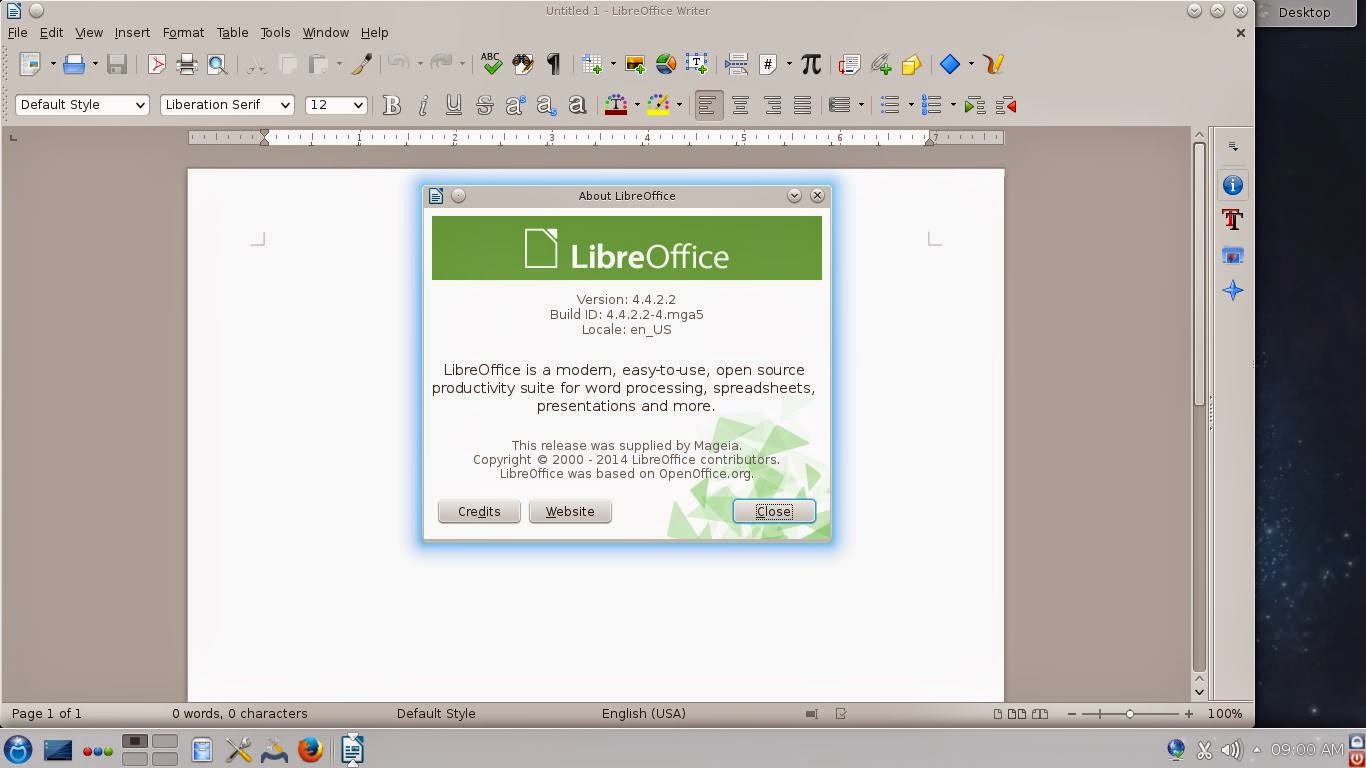

 Another odd visual aspect was that, when I switched the application launcher to Kickoff, I saw one cute penguin icon...just like the ones in Moondrake.


