Mageia 5 RC is truly out. After downloading the Install 64 bit ISO, I ran it first on a VM and this is what I found:
Mageia 5 RC on a Virtual Machine
 |
| Splash screen. I like the new artwork |
The new splash screen follows a consistent color pattern with that blue-white that we have seen since Mageia 1. The installer itself is familiar as its visual characteristics and most of its functionality is inherited from the installer I found in Mandriva PowerPack 2009, if I recall correctly.
 |
| Language selection screen |
The Mageia team seems truly commited to the ideal of keeping the installation process as consistent as possible.
So, you first select the interface language and then accept a license.
Then you get to choose the time zone, time, location, etc.
The partitioning process follows and then you wait until all packages have been installed to the HD.
Like I said, nothing confusing there if you have done it before.
 |
| KDE in Mageia 5 RC. iBus refuses to work! |
You then add users, etc.
The installation was smooth and relatively quick.
Since this first install was a VM one, I experienced no problem with the Wifi connection, but could not activate the effects.
The downside was that, differently from previous releases, this RC does not seem to accept IME, be it by iBus or SCIM. This is truly sad for people who need their Linux system to type in languages such as Japanese.
UPDATE: iBus is now working for Japanese input with Mozc instead of Anthy. See
here.
 |
| This KDE version allows multiple wallpapers |
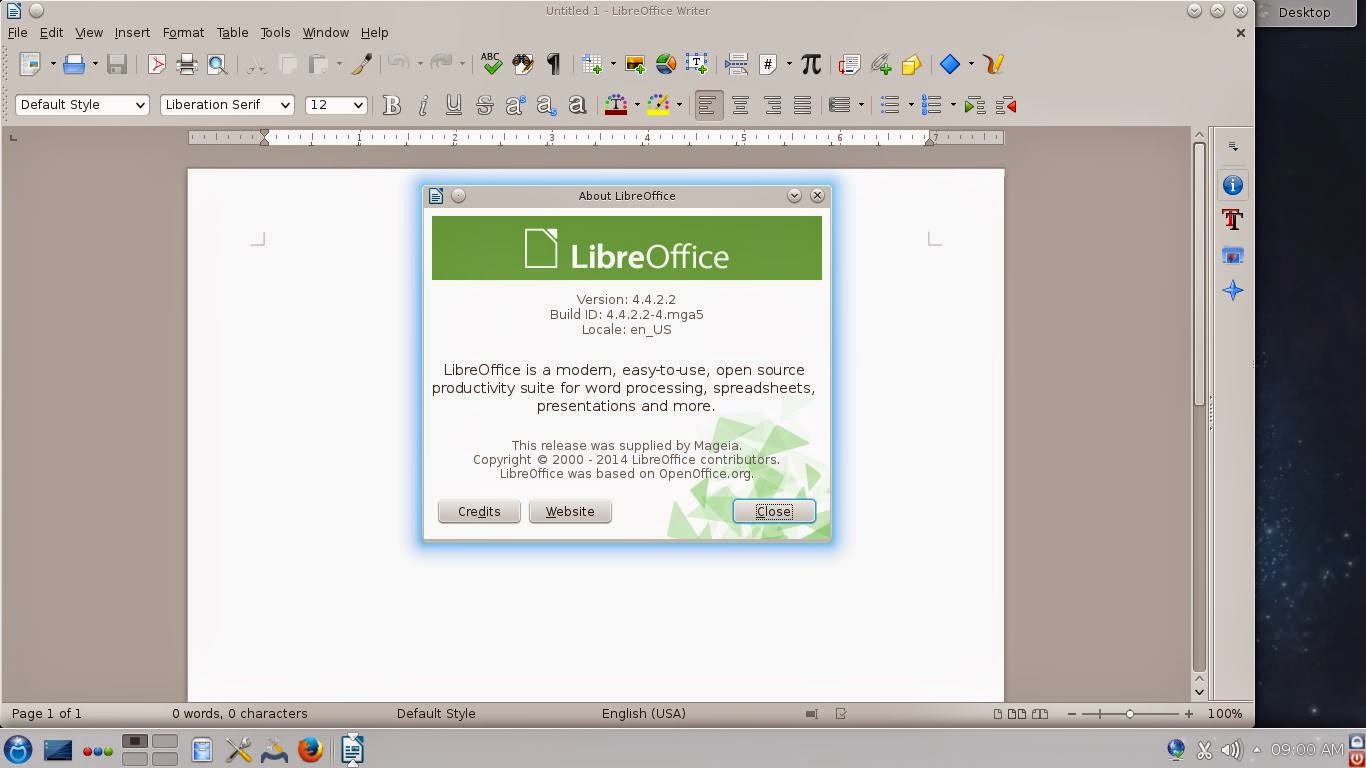 |
| LibreOffice was upgraded |
The general experience was that of working with the same system I have (Mageia 4). No crashes, no weird slow-downs, no problems with multiple wallpapers, as Megatotoro reports
here Plasma 5 is showing... aside from the missing IME, I felt like at home.
Mageia 5 RC on real hardware
To install Mageia, I had to use the partitions I have destined for Moondrake (since I could never fix the Control Center to install new packages, I sadly could not do much with Moondrake).
 |
| The network applet was missing! | | | |
After installing, I observed some bizarre results. First, the KDE desktop booted with all my favorite effects enabled, but without any panel. It was not a big deal; I added the lower panel manually.
Then I saw that the network applet was gone from the panel, but both the wired and wireless connections were functional.

Another odd visual aspect was that, when I switched the application launcher to Kickoff, I saw one cute penguin icon...just like the ones in Moondrake.
That made me understand that the oddities were caused because of my own hand: I did not format the home partition!
I then played some music and YouTube videos, saw the beautiful screensaver, tested the screen lock... In my humble opinion, if you enjoyed Mageia 4, there is no reason why you will dislike Mageia 5. As I said, for non-technical users like me, the experience is fully consistent. I guess the Mageia team did most of the changes under the hood, where the tweaking stays invisible to my untrained eyes.
The system was
responsive and solid. Everything was working as it should... except,
again, iBus... So, momentarily, no Japanese input :-(
I hope they correct that before the official release.


